
Sessions
Every session at a glance.
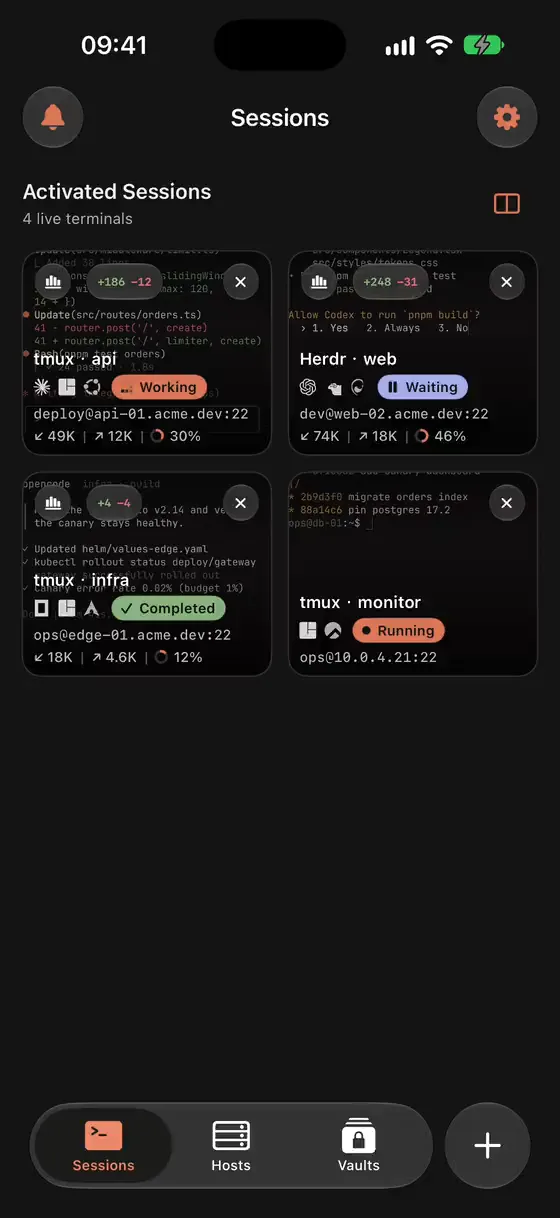
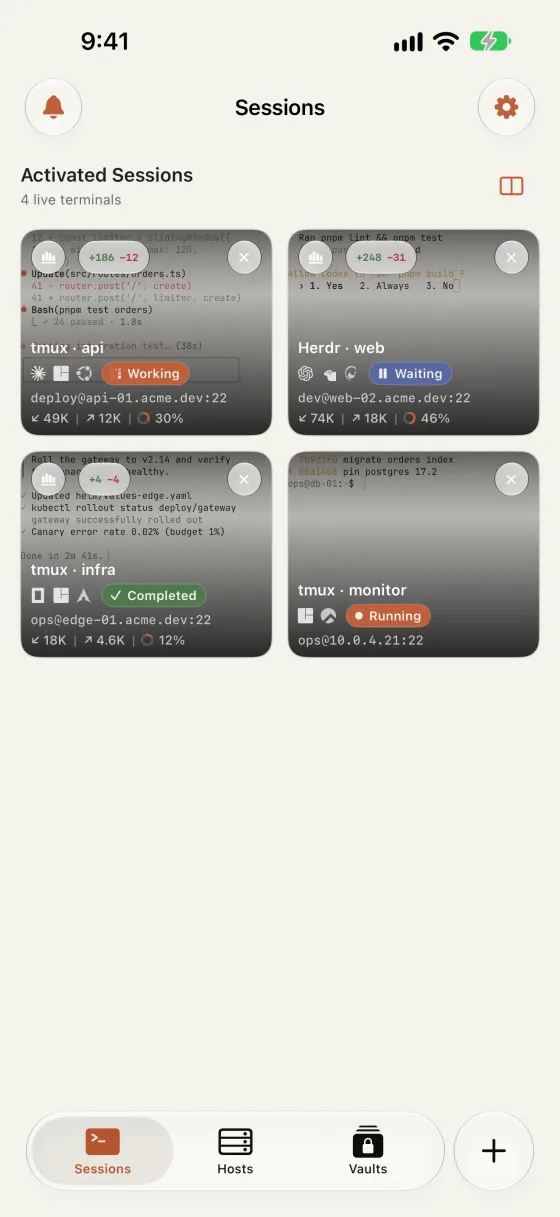
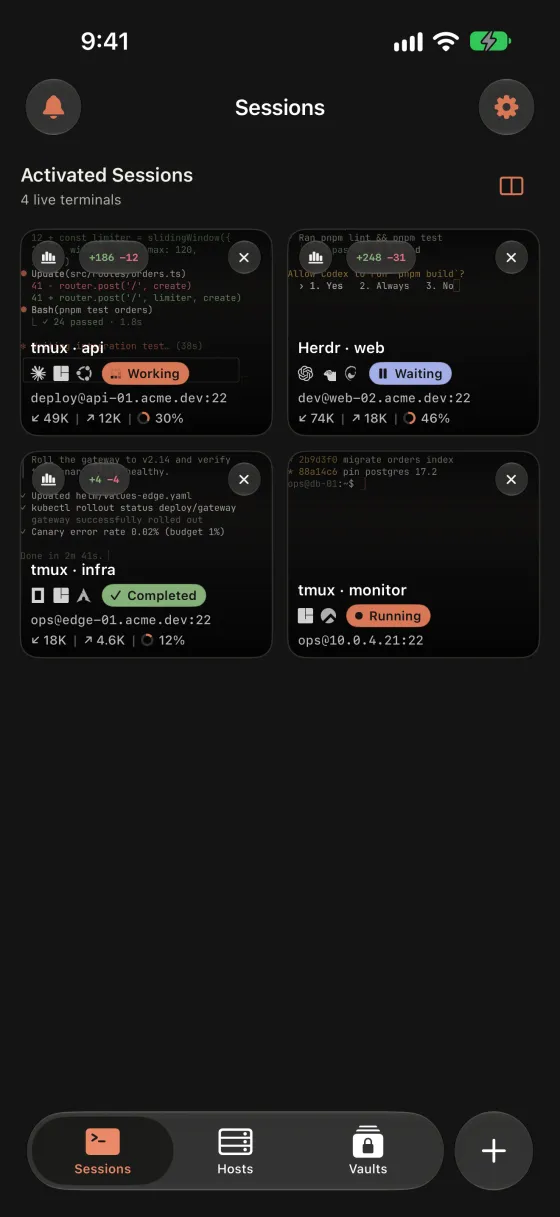
Live previews of each tmux and Herdr session with the agent state, endpoint, token use and pending git changes. Tap one to continue exactly where it is.
More about sessions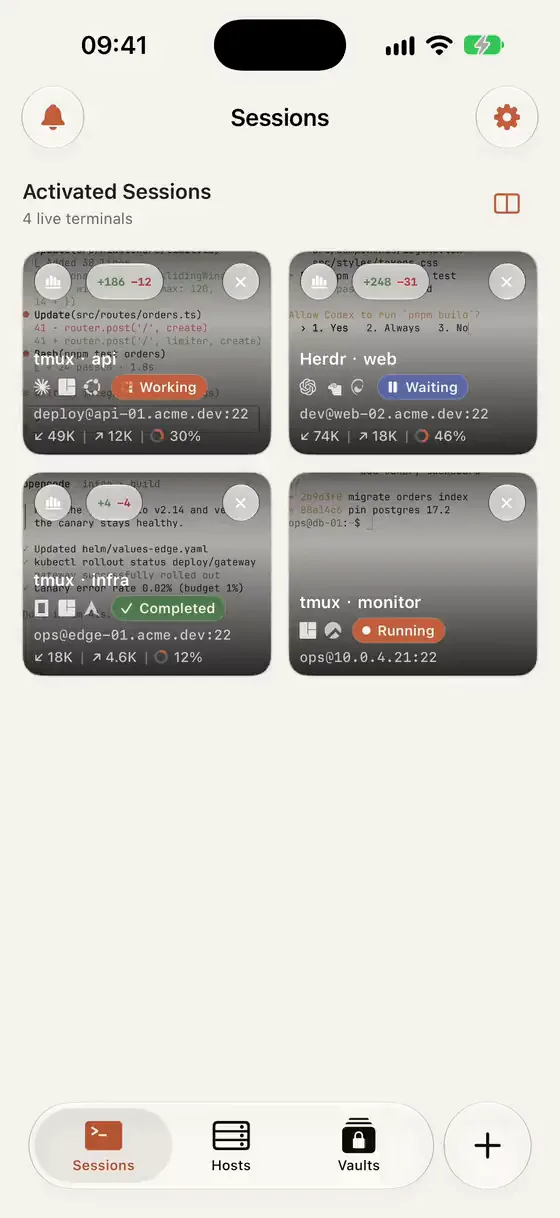

Warpeer for iPhone · Early Access
A native SSH terminal for iPhone, built on Ghostty. Reattach tmux and Herdr sessions, check on Claude Code, Codex and OpenCode, and keep working with magic keys made for real terminal work.
Free during Early Access · iOS 18 or later · No account, no tracking
Warpeer for iPhone
Long-running sessions, agents that need a decision and servers that need a look rarely wait until you are back at a desk.
Sessions
Live previews of each tmux and Herdr session with the agent state, endpoint, token use and pending git changes. Tap one to continue exactly where it is.
More about sessionsCoding agents
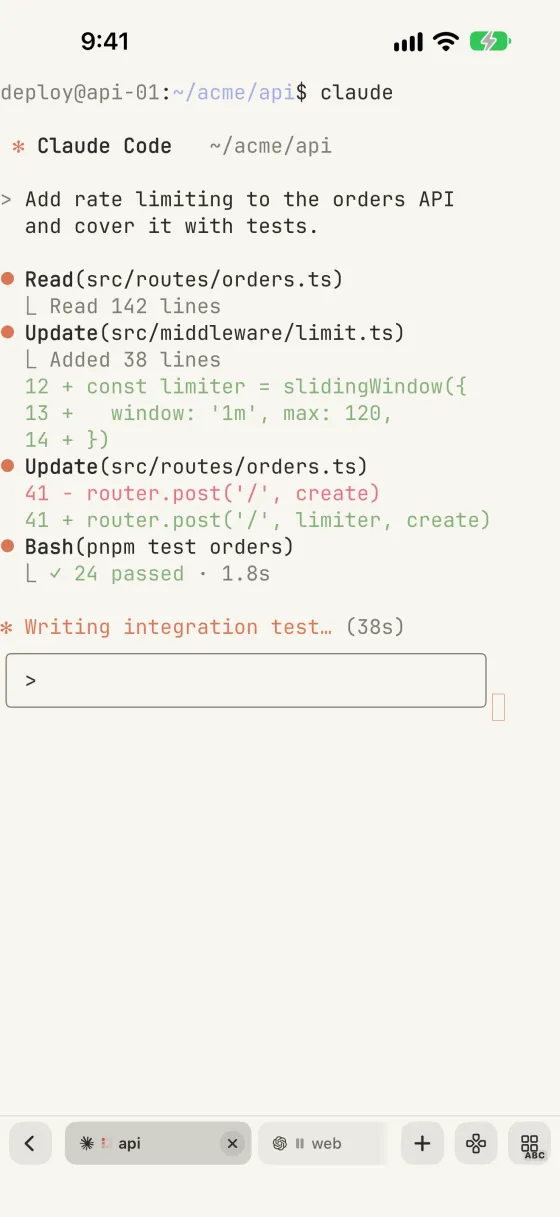
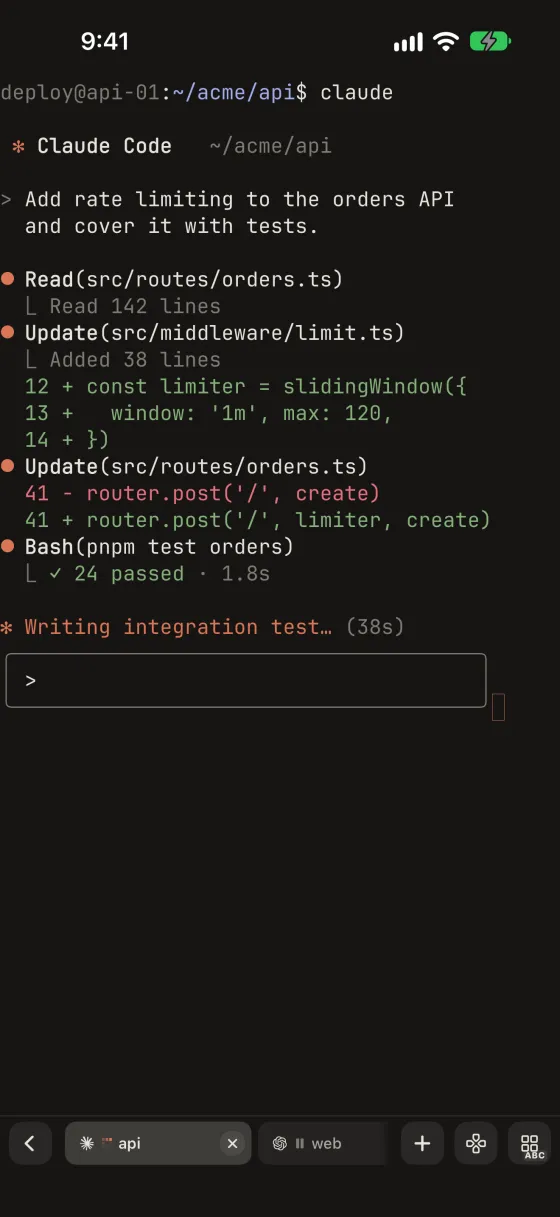
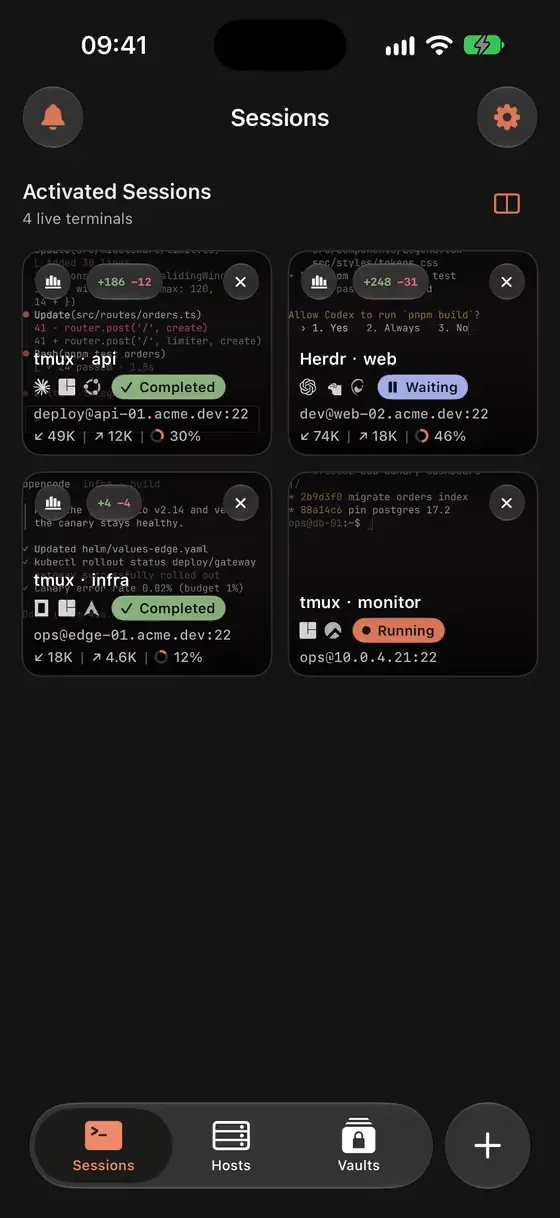
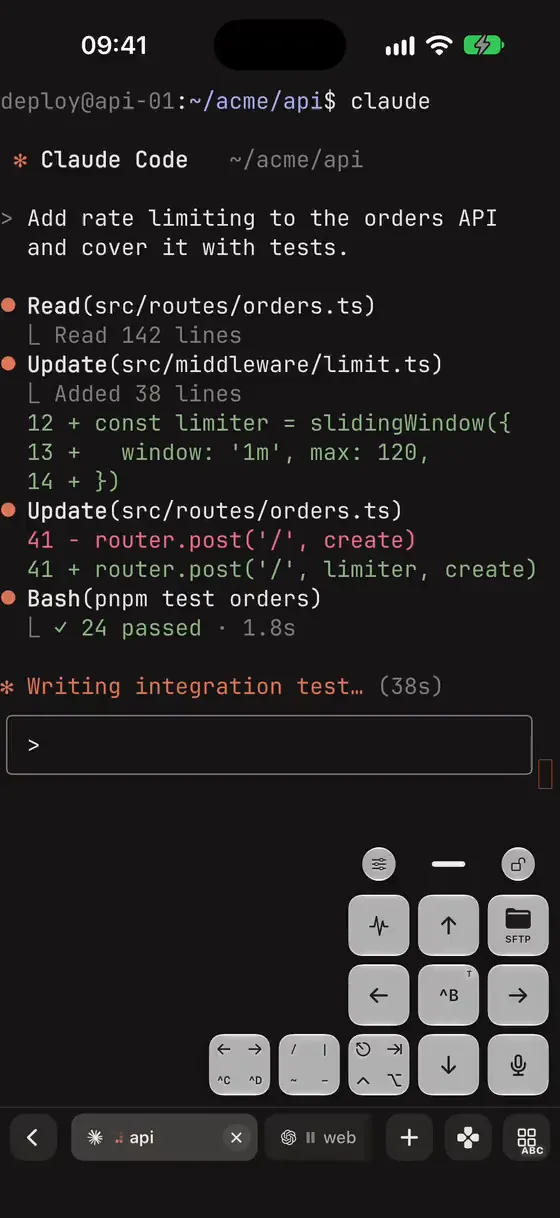
Warpeer recognises Claude Code, Codex, OpenCode and other coding agents inside remote sessions and shows whether each one is working, waiting for you or done, without opening every pane.
More about coding agents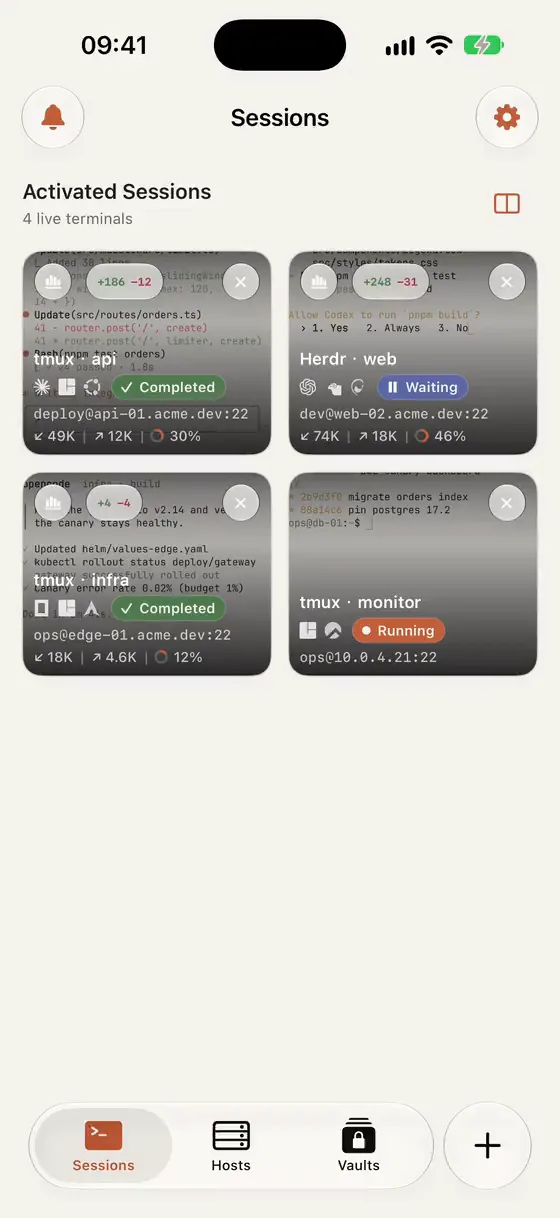
Magic keys
A floating pad for arrows, modifiers and the complete tmux and Herdr prefix tables. Bind any key to a snippet, SFTP, voice input or a live CPU and memory metric.
More about magic keys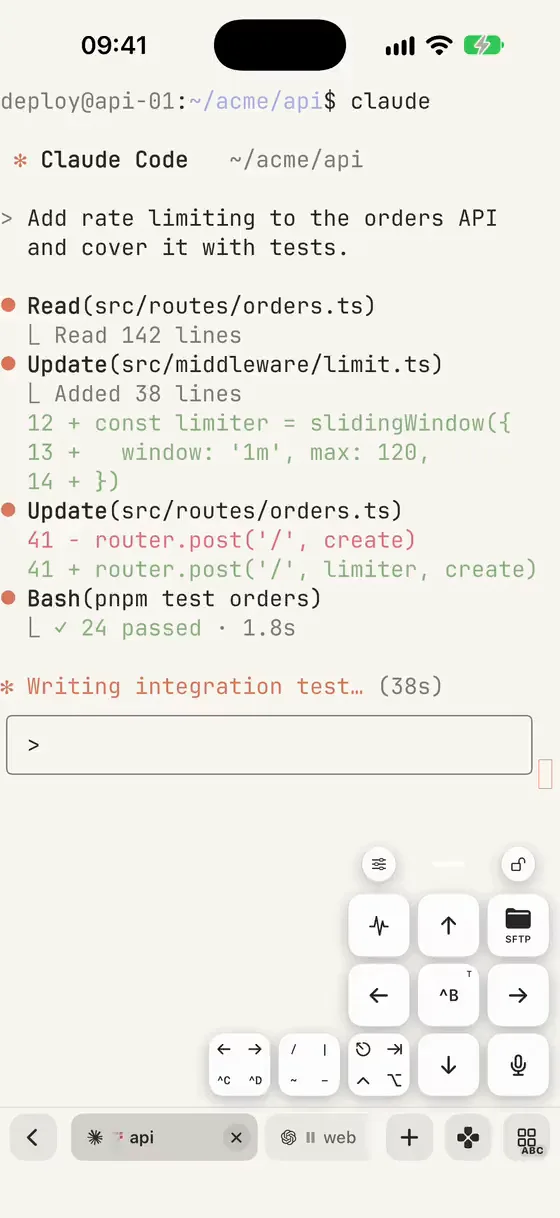
Files and git
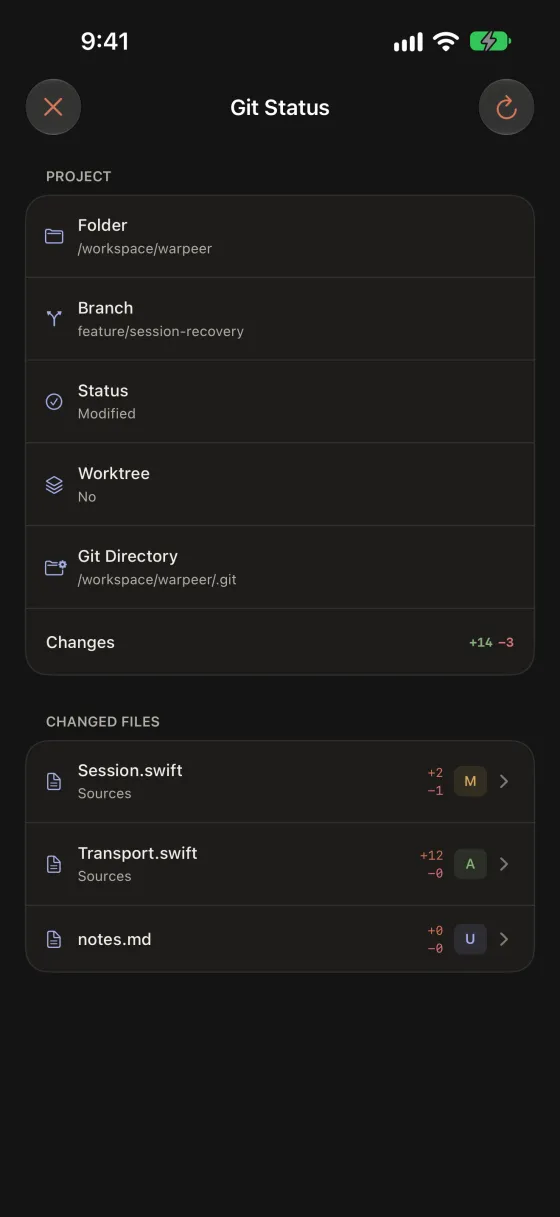
Review changed files and syntax-highlighted diffs of the remote repository, or open SFTP at the current pane directory to preview and upload files.
More about files and git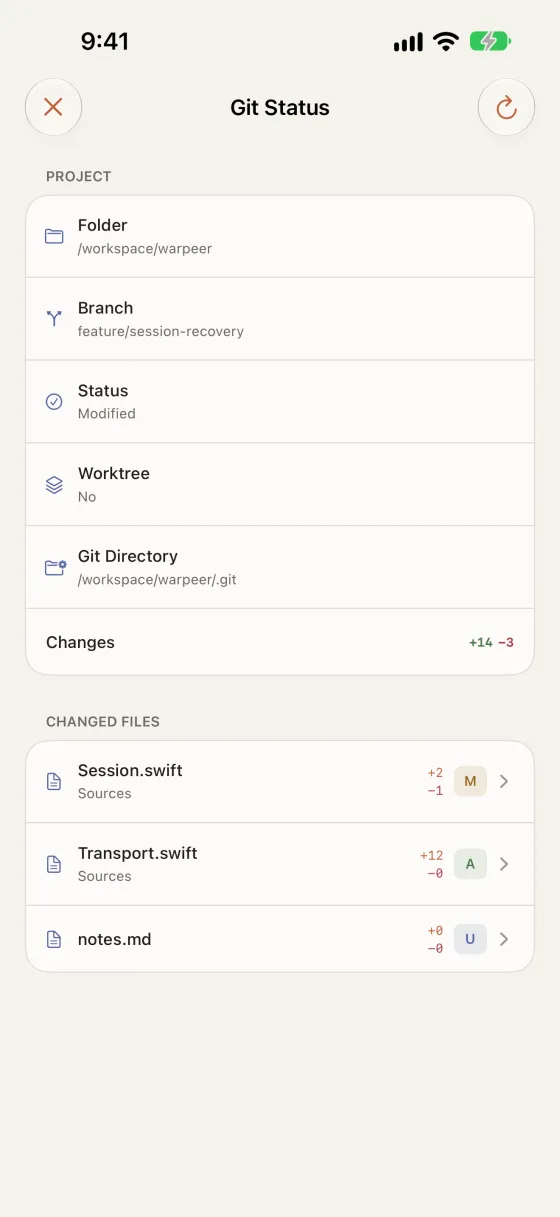
Privacy
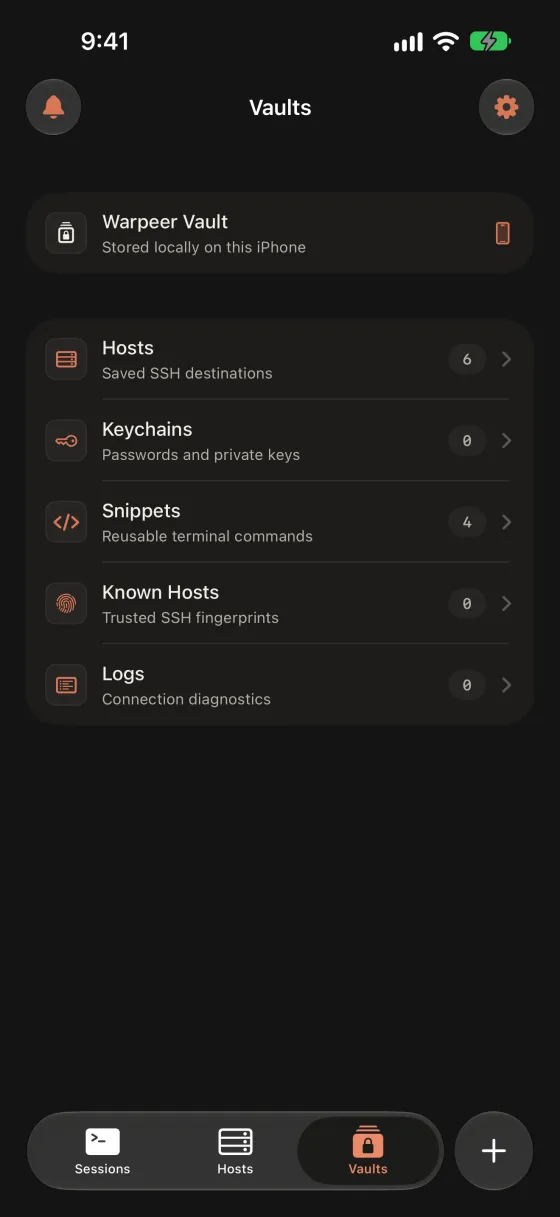
Hosts, keys and snippets live in an on-device vault backed by the iOS Keychain, with an optional app lock. No account, no analytics and no cloud copy of your credentials.
More about privacy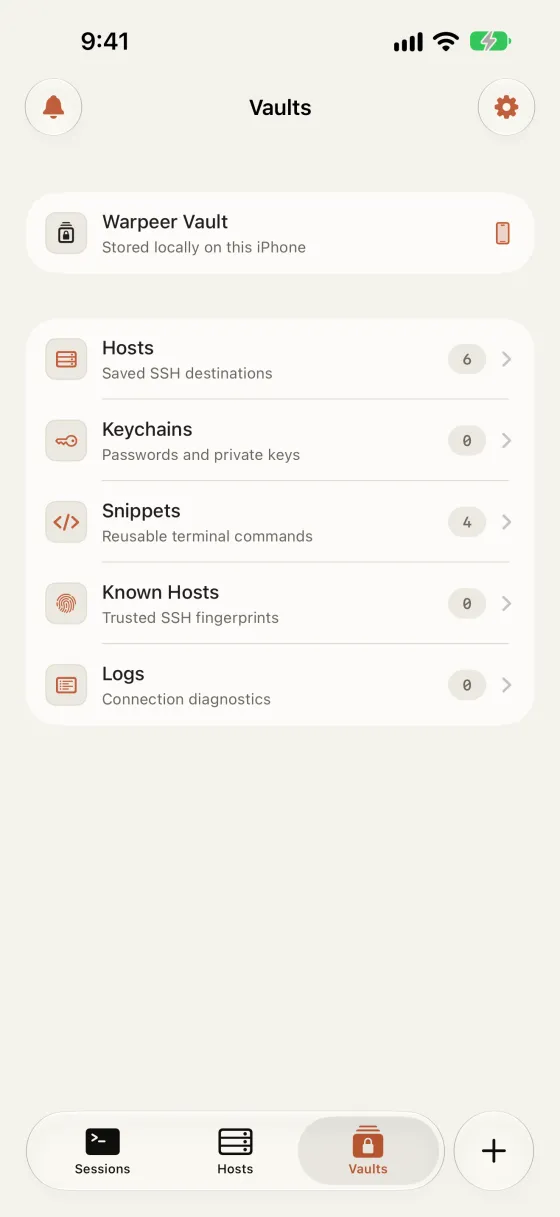
Warpeer for Mac
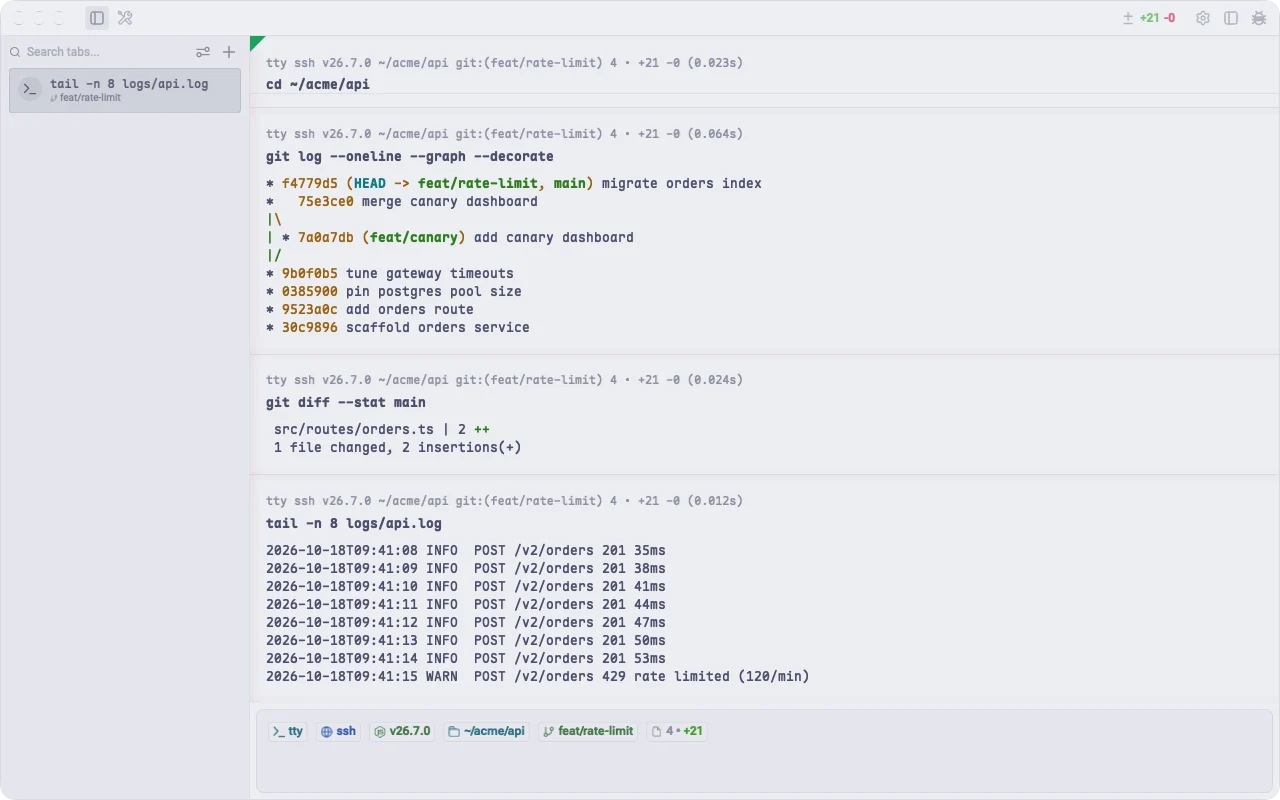
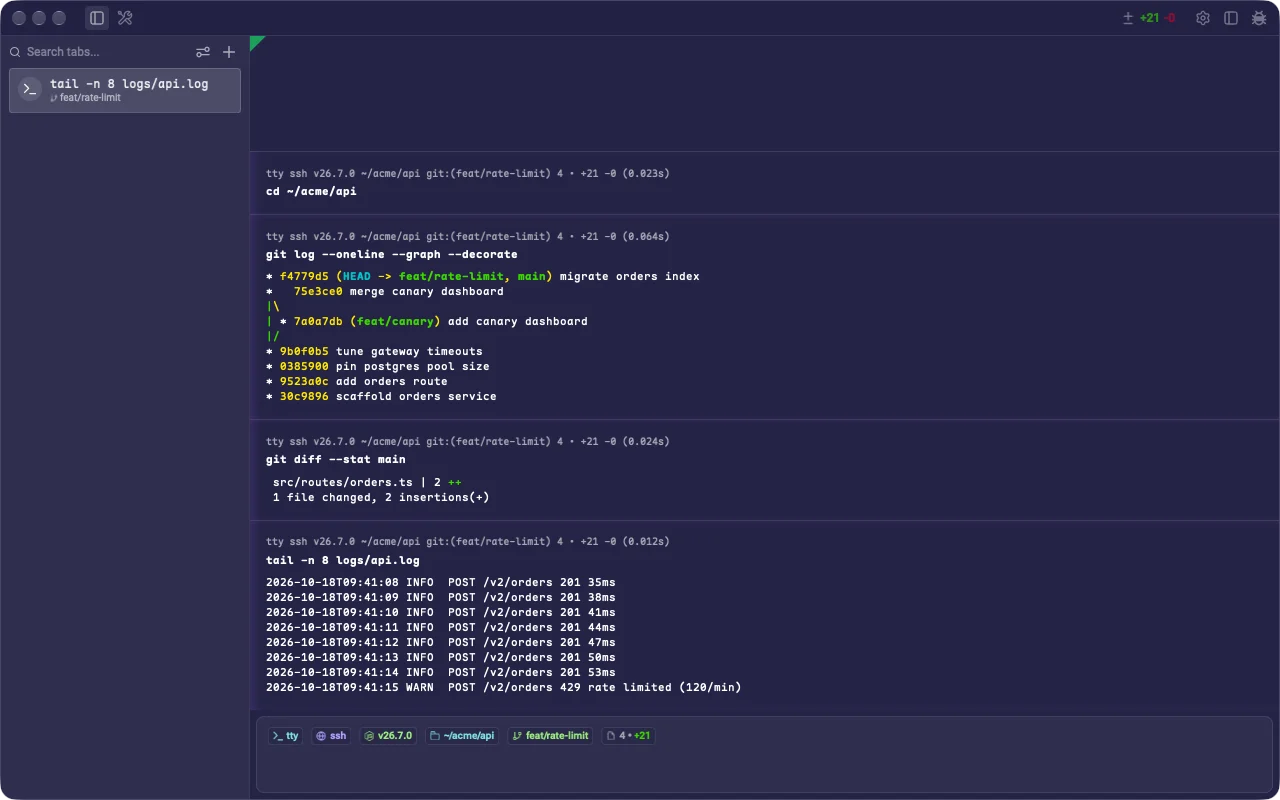
On the desktop, Warpeer is a trimmed fork of Warp's terminal: no built-in AI, telemetry or account layer, with Ghostty themes, vertical tabs, private tabs and session tools. Its source will be published on GitHub.
From Warp to Warpeer
Warpeer is an independent pure-terminal fork of Warp.
It keeps Warp's terminal foundation, removes built-in AI, accounts, telemetry, and cloud product layers, then adds deeper control over themes, tabs, panes, privacy, effects, and sessions.

602 Ghostty themes
Search by name, inspect cursor, selection, and ANSI colors, then switch to a complete Ghostty palette.
Browse all themes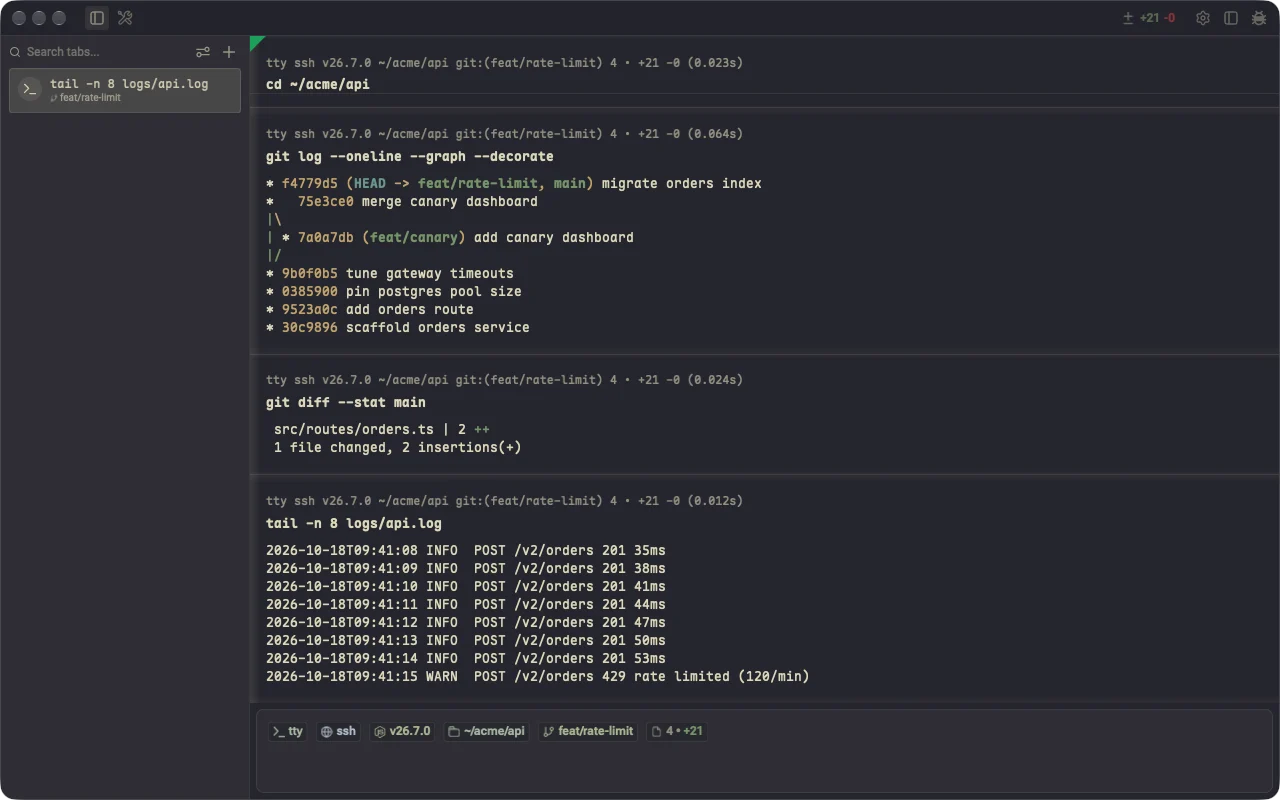
More in Warpeer for Mac
Give the terminal more visual range, preview and arrange tabs, lock private work and pick up tmux, Herdr and SSH sessions where they are.
Performance
Warpeer's 32.10 MiB DMG is 89.87% smaller than the official Warp DMG measured alongside it. At a fixed screen area, tabs and panes share the same GPU memory budget.
See performance detailsGet Warpeer
iPhone · Early Access
Every feature is free during Early Access. No account, no tracking.
Download on the App StoremacOS
Warpeer 0.1.2294 passed signing, notarization, stapling and Gatekeeper checks. The download link will appear here when the next build is ready.
View release detailsQuestions
Yes. Every feature is free during Early Access. If paid plans are introduced later, they will be announced here and in the App Store listing before they take effect.
From the App Store at apps.apple.com/app/id6807693295. It requires iOS 18 or later.
English and Simplified Chinese. The app follows your iPhone language by default, and you can choose a language under Settings, then Language, without restarting or closing sessions.
Any server you can reach over SSH, with password or key authentication. Warpeer recognises Linux distributions, macOS and BSD systems, and works with plain shells, tmux and Herdr.
To list sessions, detect coding agents and read git status, Warpeer uploads a small helper to ~/.warpeer/remote in your home directory over the same SSH connection. It needs no root access and is replaced automatically when the app updates.
No. There is no Warpeer account and no analytics or advertising SDK. Hosts, keys and snippets are stored on your iPhone and protected by the iOS Keychain. Optional notifications use a relay address you configure yourself.
Warpeer for Mac is an independent fork of the Warp terminal with the AI, telemetry and account layers removed. It is not affiliated with Warp, and its source will be published on GitHub. The iPhone app is a separate native app and does not require the Mac app.